How to Make YouTube Shorts: A Workflow You Can Repeat
A practical Shorts process, from choosing the one idea and writing the hook to vertical framing, tight editing, and a weekly rhythm that survives real life.
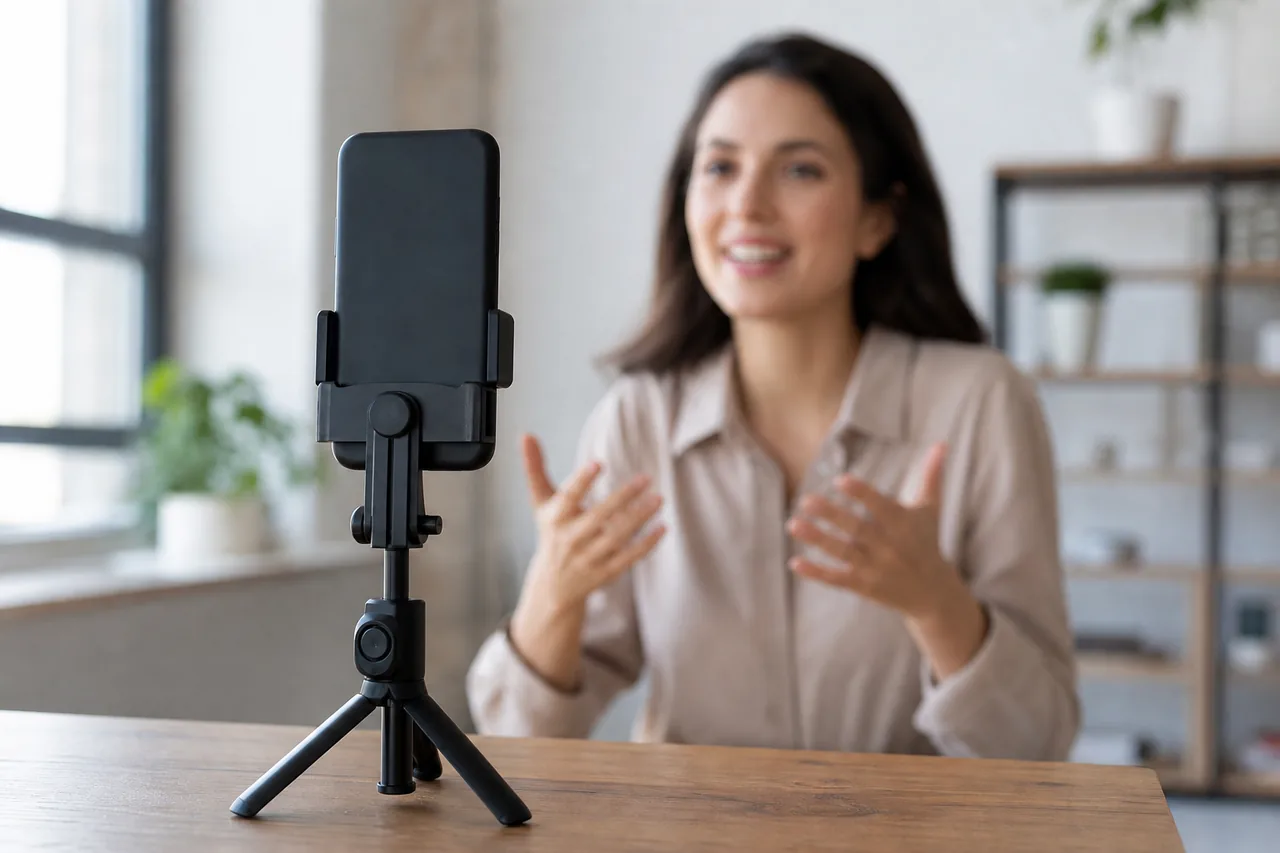
Making a Short looks simple: point a phone vertically, record, publish. Most first attempts still fail, and the camera is rarely the reason. The format is short enough that every decision is visible, and a viewer decides within a second whether to keep watching. A Shorts workflow therefore has more in common with writing a tight advertisement than with filming a long video.
This guide covers the whole chain: deciding what a Short is for, writing the hook first, shooting vertical on purpose, editing for pace, uploading with useful metadata, and setting a rhythm you can keep.
Decide what a Short is for on your channel
Before the first shot, answer one question in a single sentence: what should a viewer do or think when the Short ends? Honest answers include "try this technique", "recognise the problem they already have", or "look for the longer video on this channel". Pick one per Short. When a Short tries to teach a full process, promote a product, and be funny at the same time, it usually delivers none of the three.
Write that sentence at the top of your notes. Every later decision, from the opening frame to the last caption, should serve it. If a shot does not serve it, cut the shot.
Write the hook before anything else
A viewer scrolling sees a moving rectangle with no context. Your opening frame and opening words must promise something specific, quickly. The most reliable approach is to state the tension immediately: the mistake, the unexpected result, or the question the Short will answer.
Draft five versions of the first spoken line and the first on-screen text, then read them aloud. Keep the one a stranger could repeat back to you. Openings built on "here is why", "stop doing this", or "this took me longer than it should have" work because they set an expectation in a few syllables. Openings such as "hey everyone, welcome back" spend the most valuable second of the video on a formality nobody asked for.
If you do not have a topic worth hooking yet, start with our list of Shorts ideas for beginners and come back with one idea chosen.
Shoot vertical on purpose
Vertical is a composition, not a crop. Record in 9:16 rather than shooting wide and cropping later, because cropping discards the framing you carefully built. Keep the subject's eyes in the upper third, leave space at the bottom for captions and interface overlays, and keep important detail away from the edges.
Two habits protect quality. First, lock focus and exposure by tapping and holding on your subject so the image does not hunt mid-sentence. Second, record short takes and begin each one with a second of stillness, which gives you clean handles when cutting. Audio matters more than beginners expect: a phone microphone at arm's length sounds thin and picks up room echo, so record close or use a lavalier if you own one.
Build the edit around one idea
There is no room for a slow build. Cut the spoken track first, removing every sentence that repeats the one before it. Then add visual changes: a new angle, a piece of text, a small zoom, a prop entering the frame. Aim for a change every few seconds without turning the video into a slideshow.
Captions are not decoration. Many viewers watch with sound off, so burned-in text carries the message. Keep each caption to a few words, place it where the interface will not cover it, and review the result on a phone rather than on an editing monitor. When a section tests your own patience, delete it. The most common beginner fault is keeping a good line in the wrong place.
Use the upload screen as part of the craft
Title, description, and tags survive when a Short appears in search results or on your channel page, so give them the same attention as the footage. Write a specific title, then two lines that restate the promise. The description formatter helps keep those first lines readable when the text is truncated.
Check the current Shorts requirements and upload limits in YouTube Help rather than trusting advice written in an earlier year; the format has changed before and will change again. If the video uses music, confirm the track is cleared for Shorts, because music licensing for the format differs from long-form uploads.
A weekly workflow that survives real life
Consistency beats inspiration. A workable rhythm for one person is one planning session for three ideas, one recording session to capture all three, one editing session, and one scheduling session. Grouping similar tasks cuts setup time and frees your phone for the rest of the week.
- Plan. Write three hooks and three one-sentence promises in one sitting.
- Record. Shoot all three back to back, in short takes.
- Edit. Cut the talk track, add captions, then add visual changes.
- Schedule. Publish at times when you can also answer comments.
- Review. After a week, note which opening held viewers and why.
Keep the review in the same notes file as the ideas. Patterns appear quickly: certain hooks, lengths, or visual formats hold attention better than others. That is how Shorts retention stops being guesswork.
Mistakes that make a Short feel unfinished
- No captions. The silent viewer simply leaves.
- A slow first frame. Dead air at the start reads as dead air, to people and to the recommendation system.
- Text too small to read. Fine print on a busy background disappears on a phone screen.
- Recycled horizontal footage. Letterboxed video wastes most of a vertical frame.
- No next step. A Short that ends without a reason to watch more also ends the relationship.
A Short is not a shortened video. It is a complete thought delivered in the time a person is willing to give you.
Make one, watch it with the sound off, then watch it again with sound. If both versions communicate the same idea, it is ready to publish.